bActive Product Line
Discover our range of high-performance treadmills designed for every fitness level.
bActive Bolt-100 Commercial Exercise Spinner Cycle Bike (2025)
Commercial Compatible – Heavy Gurage Steel Frame. Infinite Variable Magnetic Resistance System – Allows the user to micro-adjust resistance based on fit level.
View Details →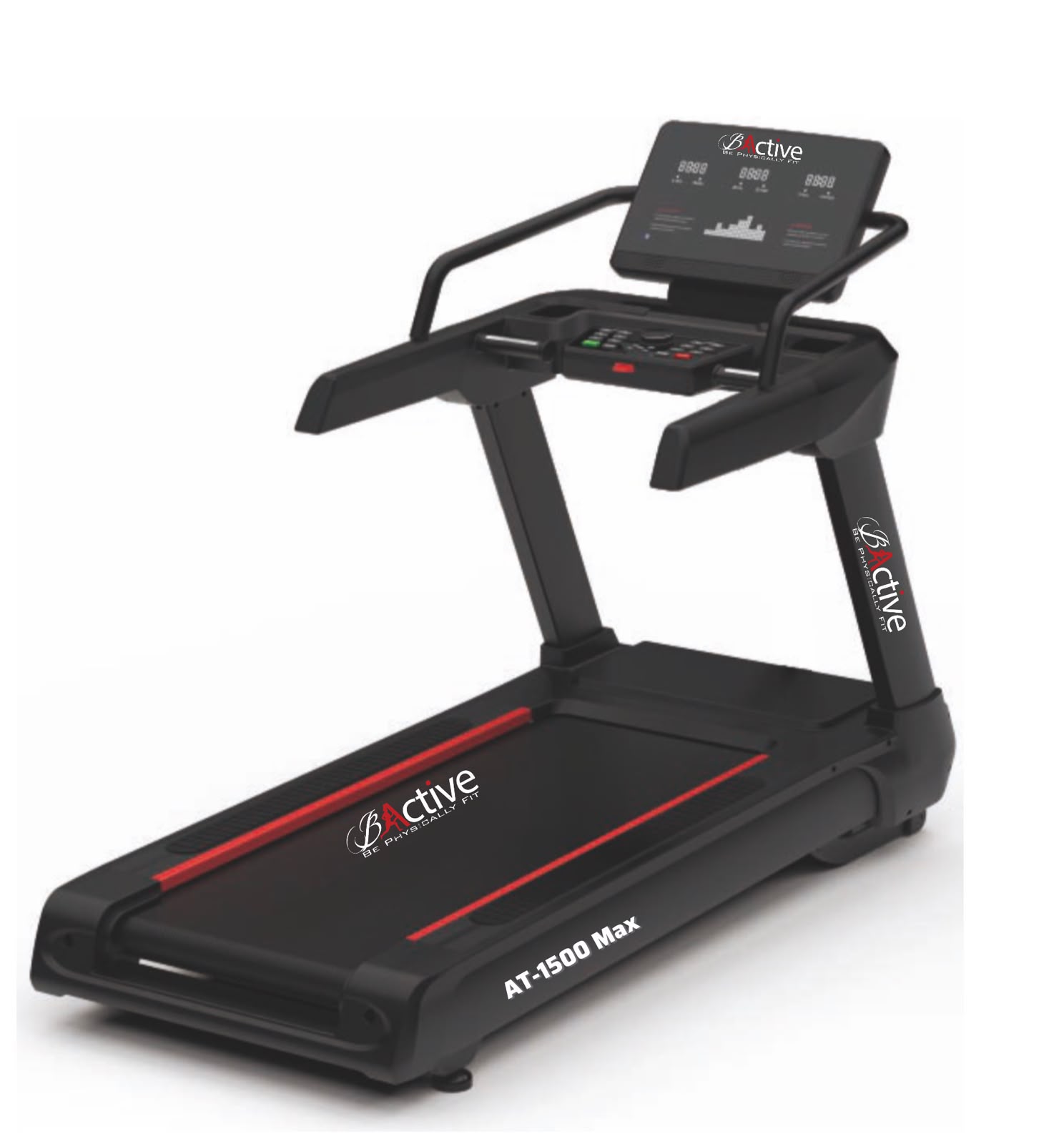
Commercial Heavy Duty Treadmill AT-1500 Max
bActive AT-1500 Max Treadmill isn’t just a cardio machine—it’s a high-performance training experience wrapped in sleek, modern tech. Whether you’re outfitting a fitness facility or upgrading your workout space, this treadmill delivers beyond your expectations. Whether you’re outfitting a fitness facility or upgrading your workout space, this treadmill delivers relentless durability, immersive digital engagement, and smooth-as-silk performance that keeps users coming back for more
View Details →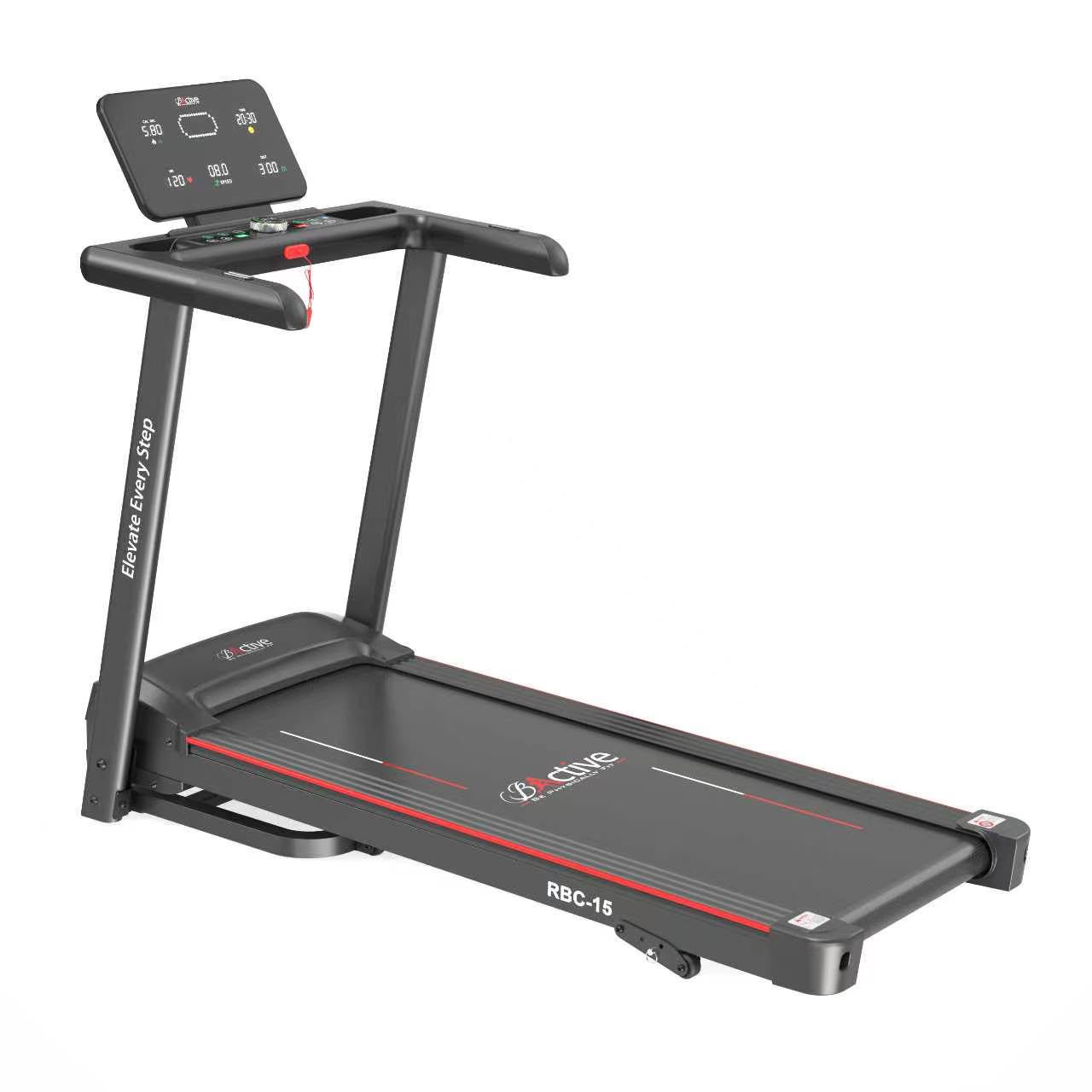
bActive RBC-15 Home Use Treadmill
## How to Use the bActive RBC-15 Treadmill ### 1. Prepare the Treadmill Place the treadmill on a flat, stable surface with sufficient space around it. Connect the power supply and attach the safety key before starting. ### 2. Start Your Workout Stand on the side rails and select **Manual Program** or one of the available workout programs. Press **Start** and begin at a comfortable speed. ### 3. Adjust the Speed Use the LED knob or console controls to increase or decrease the speed. Start slowly and gradually increase your pace as you become comfortable. ### 4. Adjust the Incline The RBC-15 features **3 levels of manual incline**. Stop the treadmill before manually adjusting the incline, then select the desired level according to your workout intensity. ### 5. Monitor Your Workout Use the LED display to monitor **speed, time, calories, distance, pulse, and heart rate** during your workout. ### 6. Use Smart Features Connect your compatible device to the **FitShow App** or use **Bluetooth speakers, MP3, or USB** features for a more engaging workout experience. ### 7. Finish Your Workout Gradually reduce your speed before pressing **Stop**. Wait until the running belt comes to a complete stop before stepping off the treadmill. ### 8. Fold for Storage Once the treadmill has completely stopped and is safe to handle, use the folding mechanism to store it in a compact position. ### Safety Tips * Always attach the safety key before exercising. * Start your workout at a low speed. * Do not adjust the manual incline while the treadmill is running. * Wear appropriate sports shoes while exercising. * Keep children and pets away from the treadmill during operation. * Do not exceed the **130 KG maximum user weight**. * Allow the treadmill to stop completely before stepping off.
View Details →